USCIS Releases Revised Form I-9, Adds Remote Inspection Procedure
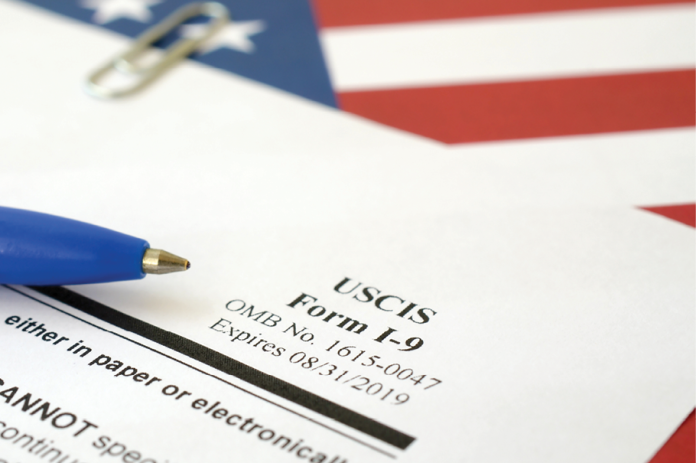
The U.S. Citizenship and Immigration Services (USCIS) has released a revised Form I-9 and published a new rule that gives qualified employers the option to inspect authorization documents electronically under an alternative procedure that substitutes for the in-person physical inspection requirement.
• On August 1, the USCIS published revised versions of the Form I-9, Employment Eligibility Verification document.
• Also available starting August 1 was an optional alternative procedure for inspecting Form I-9 documents. The new rule allows qualified employers who are enrolled in the E-Verify program to verify Form I-9 documents electronically through a live video call. The new rule was published July 25 by the U.S. Department of Homeland Security (DHS), which oversees the USCIS.
• On July 31, the USCIS revised the Handbook for Employers M-274 to reflect the new Forms I-9, the new alternative procedure for verifying the Form I-9 documents and other new updates, guidance and clarifications.
New Form I-9
Employers must use the Form I-9 to verify their employees’ identity and employment authorization. The new Form I-9 (edition date 08/01/23) has undergone some major improvements, including:
• Sections 1 and 2 have been reduced to a single-sided sheet;
• Section 1 Preparer/Translator Certification and Section 3, Reverification and Rehire, have been moved to separate, standalone supplements that employers can provide to employees as necessary (both supplements can be found as part of the Form I-9) ;
• The Lists of Acceptable Documents were revised to include some acceptable receipts as well as guidance and links to information on automatic extensions of employment authorization documentation;
• The Form I-9 Instructions are now eight pages instead of 15; and
• E-Verify employers now have a checkbox to indicate they have examined Form I-9 documentation remotely under a DHS-authorized alternative procedure rather than via physical examination.
Additionally, the revised Form I-9 is designed to be fillable on tablets and mobile devices.
Alternative Remote Inspection
The new rule allows only “participants in good standing in E-Verify” to use the alternative procedure. Being in “good standing” means that the employer:
• Has enrolled in E-Verify for of its all hiring sites in the United States;
• Complies with all E-Verify program requirements, such as completing the required E-Verify tutorial that includes fraud awareness and anti-discrimination training; and
• Continues to be a participant in good standing in E-Verify at any time during which the employer uses the alternative procedure.
Under the alternative procedure, employers still must inspect documents within three business days of the employee’s first day of work. This includes examining the copies that the employee transmits and conducting a live video interaction with the individual presenting the document(s) to ensure that the documentation reasonably appears to be genuine and related to the individual.
Employers also must check the corresponding box on the Form I-9 to indicate that the alternative procedure was used and retain a clear and legible copy of the documentation, consistent with applicable regulations. In the event of an audit, legible copies of the identity and employment authorization documentation must be made available.
Violations of the federal or state E-Verify laws could expose the employer to significant civil penalties.
For more information, see the HRWatchdog blog posts New Form I-9 Released and E-Verify Users Allowed to Electronically Inspect Form I-9 Documents.
Staff Contacts: Sarah Woolston and Katie Culliton